


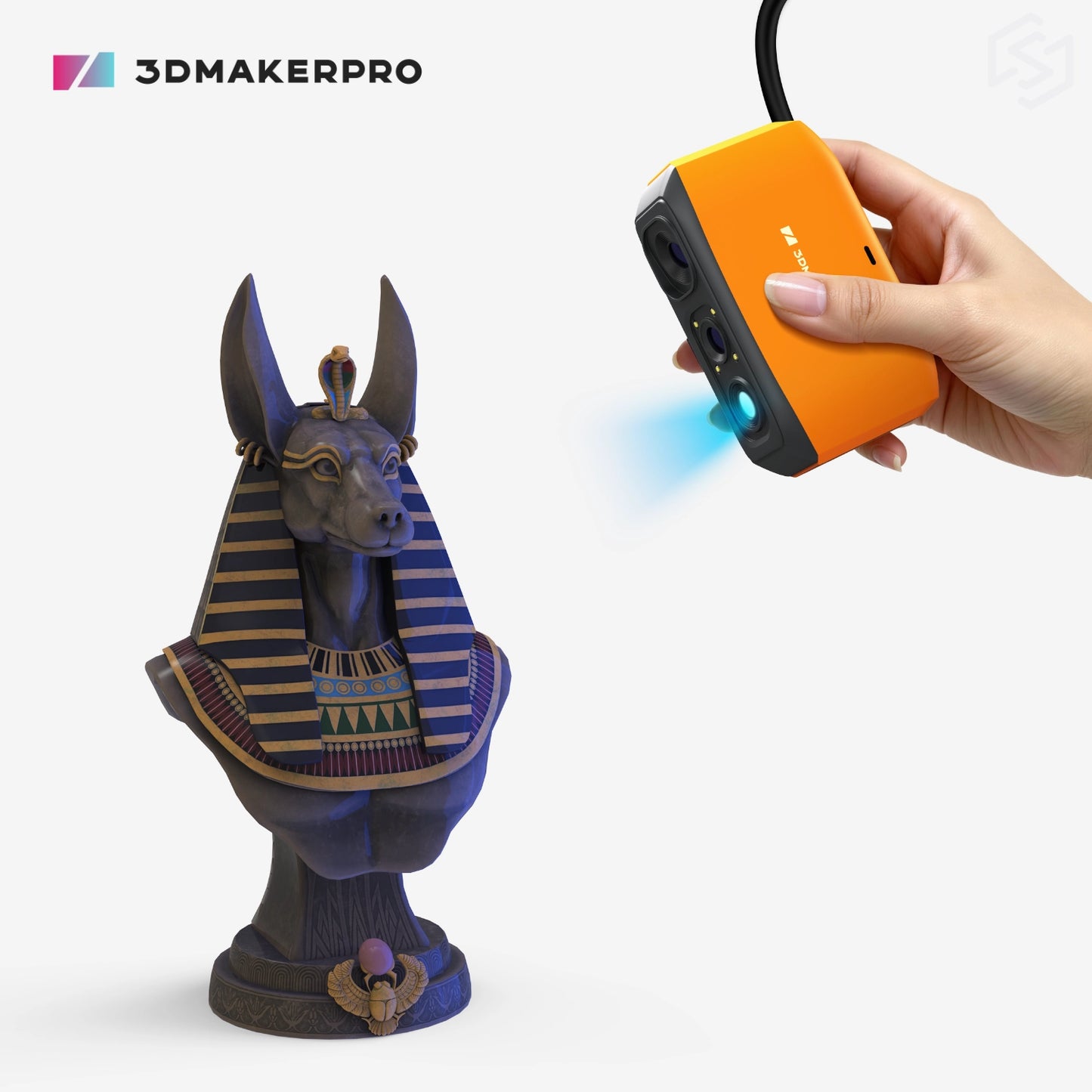
Meet the Fox 3D Scanner

Unbox. Plug in. Scan.

Simply connect the Fox handheld 3D scanner to your PC or Mac, launch JMStudio, and the calibration file downloads automatically. With a quick and streamlined setup process, you can begin scanning in as little as 10 minutes — making it an exceptionally beginner-friendly 3D scanning solution.
- Step 1: Plug in the USB to your PC or phone (Requires Smart Grip)
- Step 2: Auto-calibrate: JMStudio handles it for you
- Step 3: Start 3Dscanning with guided workflow
Fox vs Moose Lite

Fox and Moose Lite are powered by the same NIR light source and has the same 200 x 100 mm single-capture range and 0.10 mm resolution.
The differences are in accuracy, weight, and aesthetics: the Fox is designed in a vibrant orange, weighs 210 g, and provides 0.07 mm accuracy. The Moose Lite features a classic grey finish, weighs 250 g, and delivers a higher accuracy of 0.05 mm.
If you’re new to 3D scanning and looking for the ideal combination of portability, affordability, and sleek design, the Fox is an excellent choice. For users who require higher levels of detail and greater dimensional precision, the Moose Lite offers a powerful step up in performance.
Why Choose the Fox?
Technical Specification
* provided by 3DMakerpro

| Accuracy | 0.07 mm |
|---|---|
| Resolution | 0.10 mm |
| Frame Rate | 10 fps |
| Working Distance | 150 – 400 mm |
| Single Capture Range | 200 × 100 mm |
| Typical Object Sizes | 40 – 1,200 mm |
| Light Source | NIR (Near-Infrared) |
| Color Texture | Mono textures |
| USB Interface | USB 2.0 |
| Dimensions | 115 × 70 × 35 mm |
| Weight | 210 g |

Seal

Moose

Magic Swift+
Fox

Toucan

Lynx

Mole

Hawk

Eagle
